

Pool initialization steps
1
Navigate to pool creation
Navigate to the “Pool” section of the BEX app and select “Create a Pool”.
2
Select tokens
Select the two tokens you wish to create a pool for.
3
Specify pool fees
Specify the pool fees, collected on each swap.
4
Set ratios and liquidity
Set initial pool token ratios and amount of liquidity to add.
5
Confirm the transaction
Confirm the pool creation transaction.
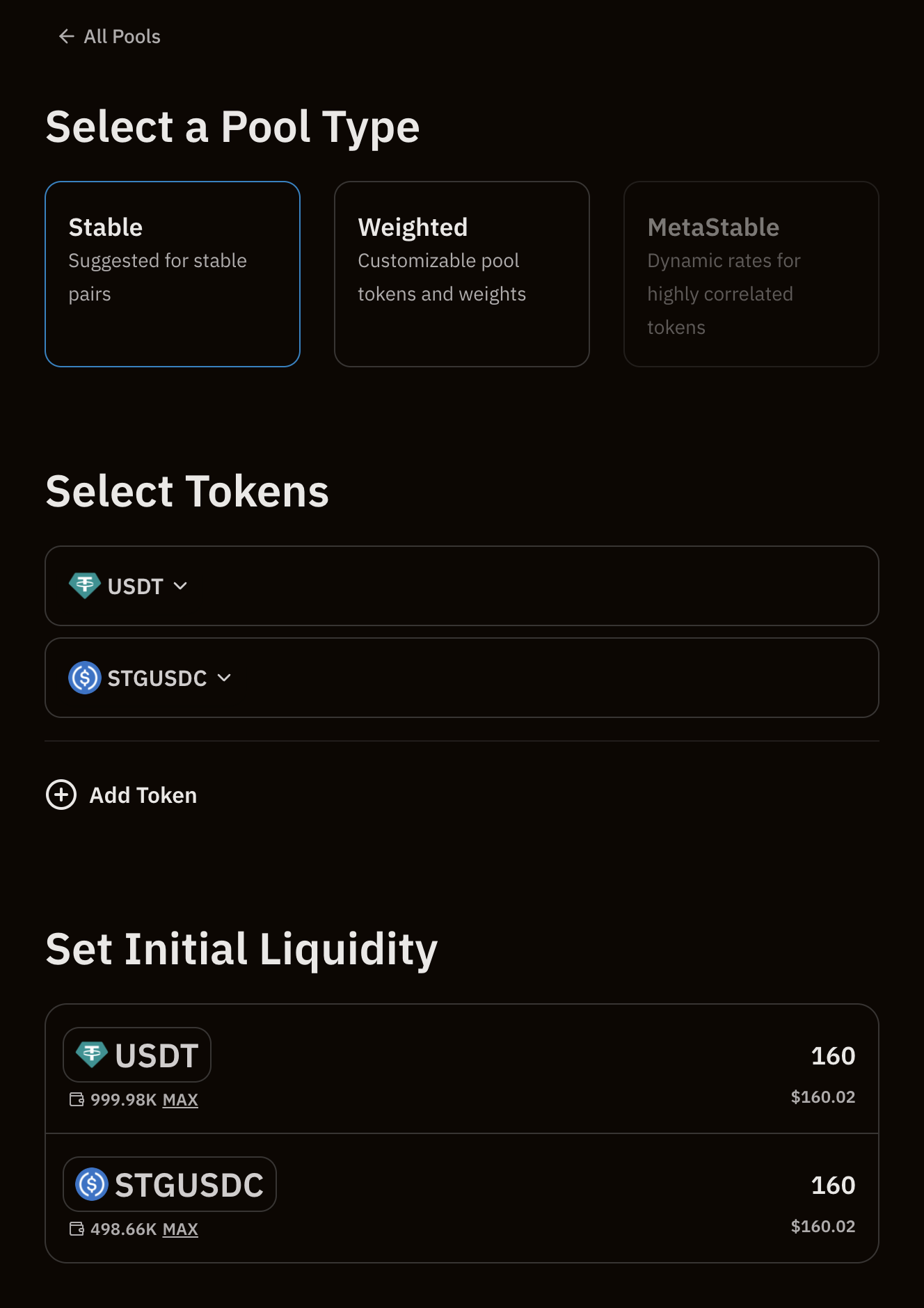
Selecting the ratio
During pool creation, the price/ratio of the tokens is set based on amount of “quote” tokens per “base” token. Using the above scenario as an example, and assuming that the price of$WETH is BUSDis set from the initial3000` ratio, that is:
- Each
$WETHis worth3000$BUSD - Each
$BUSDis worth0.000333$WETH - The initial price of
$BUSDis$3000 * 0.000333 = $1