> ## Documentation Index
> Fetch the complete documentation index at: https://docs.berachain.com/llms.txt
> Use this file to discover all available pages before exploring further.
# Connect to Berachain
> Add Berachain to your wallet and switch networks.
export const addNetworkMainnet = () => {
if (typeof window === "undefined" || !window.ethereum) {
console.warn("[AddNetwork] No wallet detected");
return;
}
const params = {
chainId: "0x138de",
chainName: "Berachain",
nativeCurrency: {
name: "BERA Token",
symbol: "BERA",
decimals: 18
},
rpcUrls: ["https://rpc.berachain.com/"],
blockExplorerUrls: ["https://berascan.com/"]
};
console.log("[AddNetwork] add mainnet", params);
window.ethereum.request({
method: "wallet_addEthereumChain",
params: [params]
}).then(r => console.log("[AddNetwork] result", r)).catch(e => console.error("[AddNetwork] error", e));
};
export const addNetworkBepolia = () => {
if (typeof window === "undefined" || !window.ethereum) {
console.warn("[AddNetwork] No wallet detected");
return;
}
const params = {
chainId: "0x138c5",
chainName: "Berachain Bepolia",
nativeCurrency: {
name: "Testnet BERA Token",
symbol: "BERA",
decimals: 18
},
rpcUrls: ["https://bepolia.rpc.berachain.com/"],
blockExplorerUrls: ["https://testnet.berascan.com/"]
};
console.log("[AddNetwork] add bepolia (testnet)", params);
window.ethereum.request({
method: "wallet_addEthereumChain",
params: [params]
}).then(r => console.log("[AddNetwork] result", r)).catch(e => console.error("[AddNetwork] error", e));
};
Blockchain wallets let you access your assets on Berachain. They create and store your private keys so you can prove ownership when you trade tokens, buy NFTs, play games, and more.
## Berachain Mainnet RPC
Use these values in any wallet that supports custom RPCs. Add the network in one click, or copy from the table:
| Key | Value |
| ------------------ | ---------------------------- |
| Network | `Berachain` |
| RPC URL | `https://rpc.berachain.com/` |
| Chain ID | `80094` |
| Currency symbol | `BERA` |
| Block explorer URL | `https://berascan.com/` |
## Berachain Bepolia Testnet RPC
Use these values for the testnet. Add in one click, or copy from the table:
| Key | Value |
| ------------------ | ------------------------------------ |
| Network | `Berachain Bepolia` |
| RPC URL | `https://bepolia.rpc.berachain.com/` |
| Chain ID | `80069` |
| Currency symbol | `BERA` |
| Block explorer URL | `https://testnet.berascan.com/` |
### Bepolia testnet dApps
| App | URL |
| -------- | -------------------------------------------------------------------------- |
| Hub | [https://bepolia.hub.berachain.com](https://bepolia.hub.berachain.com) |
| BEX | Not publicly available on Bepolia |
| Berascan | [https://testnet.berascan.com](https://testnet.berascan.com) |
| Honey | [https://bepolia.honey.berachain.com](https://bepolia.honey.berachain.com) |
## Supported Wallets
Any [EVM-based wallet](https://ethereum.org/en/wallets/find-wallet/) that supports custom RPCs works with Berachain. Examples:
* [MetaMask](https://metamask.io)
* [Rabby](https://rabby.io)
* [Coinbase Wallet](https://www.coinbase.com/wallet)
* [Brave Wallet](https://brave.com/wallet/)
* [Frame](https://frame.sh)
* [Gem Wallet](https://gemwallet.com/)
* [Zerion](https://zerion.io/download?utm_source=berachain)
## Set Up MetaMask With Berachain
Chrome is recommended.
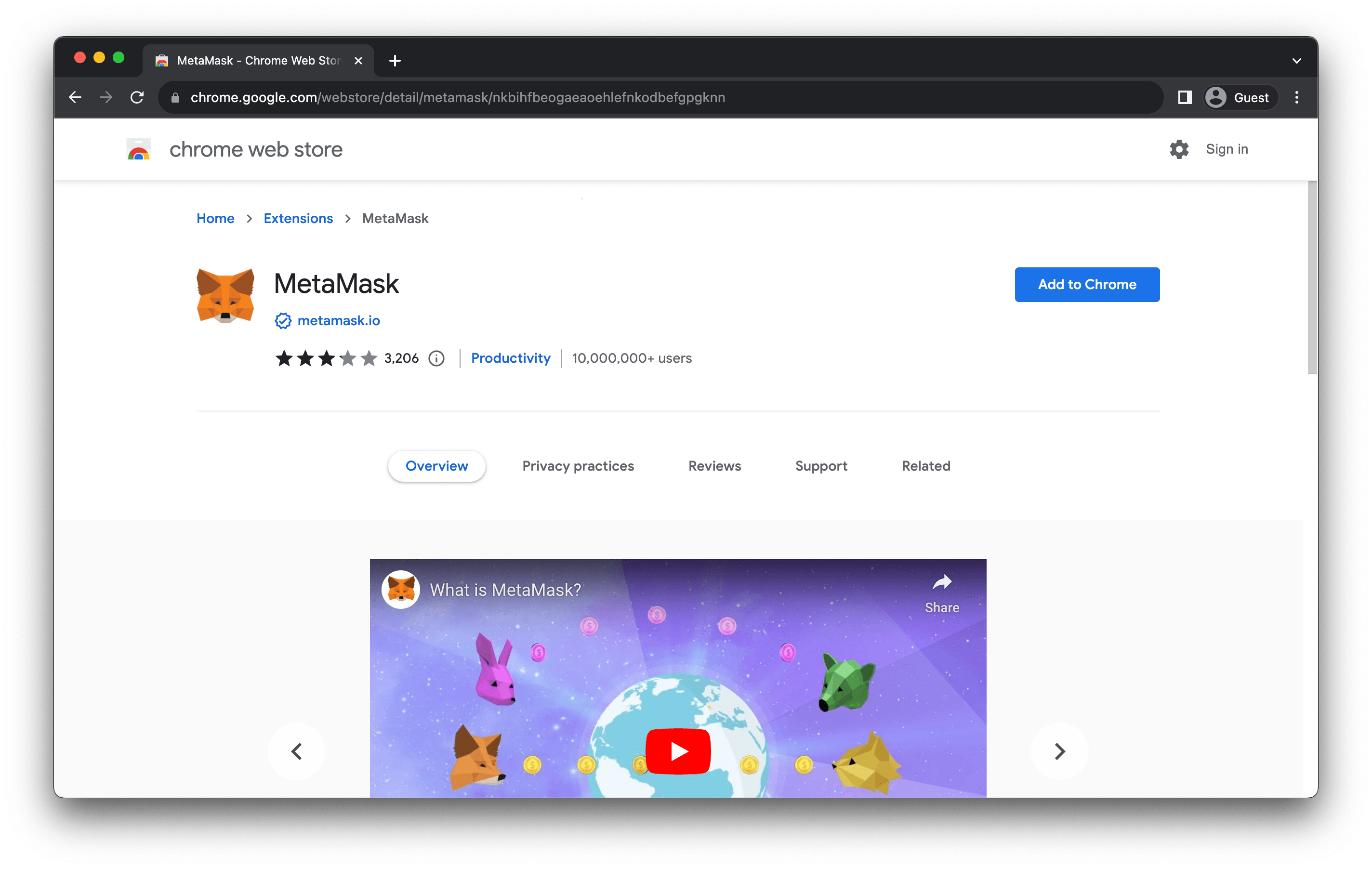
On [metamask.io](https://metamask.io/), download the browser extension. Confirm it is from `metamask.io`.
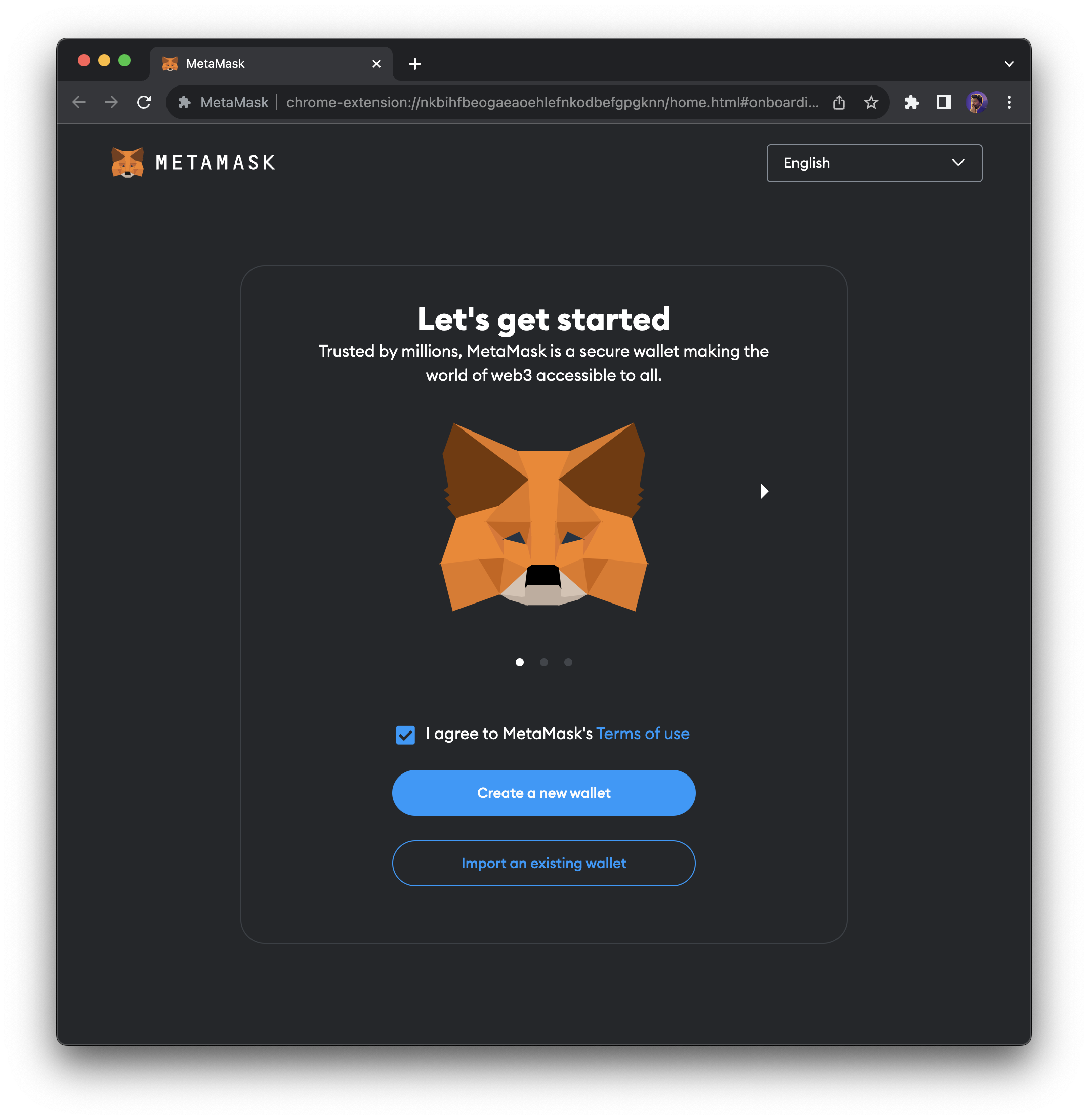
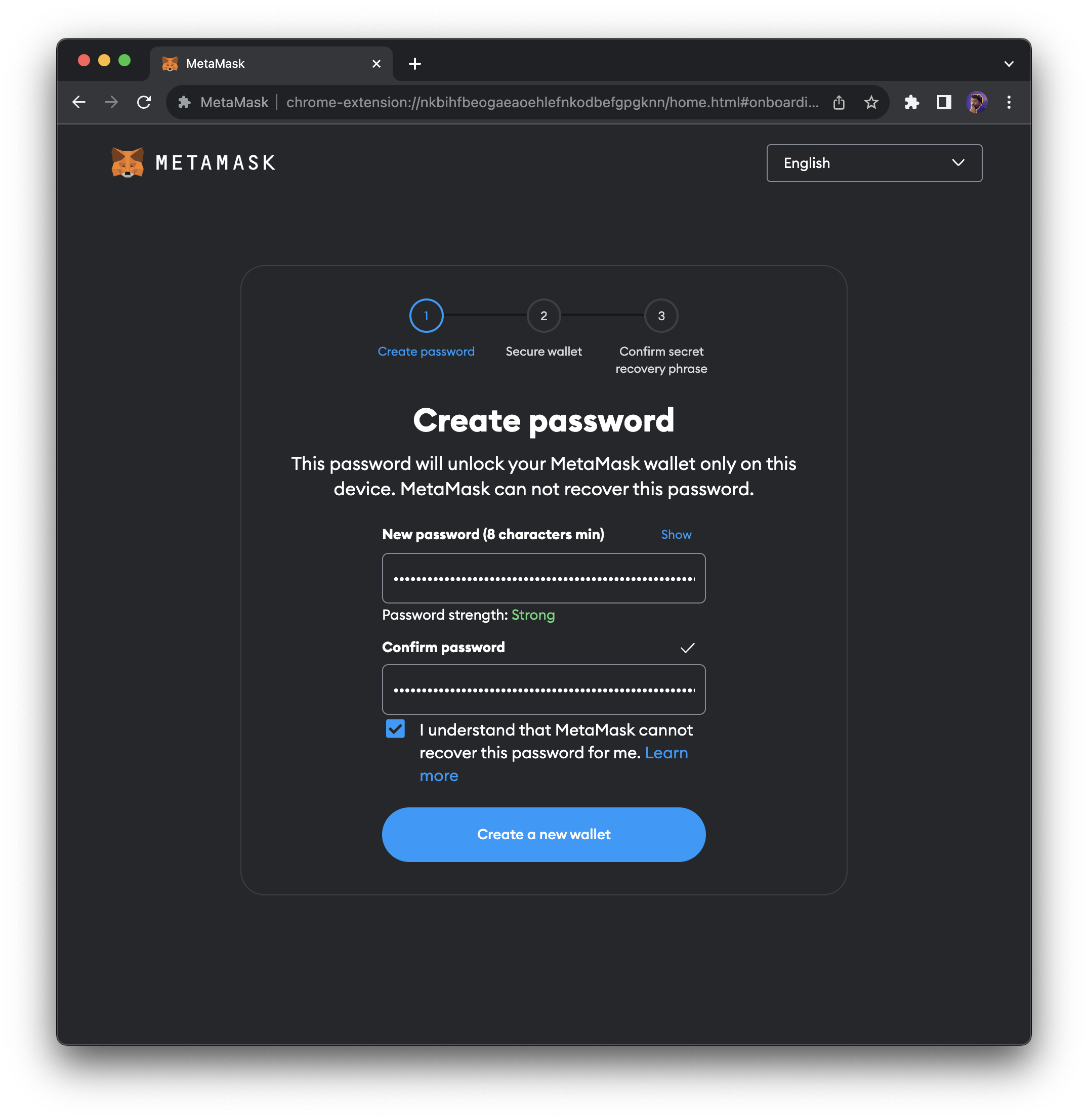
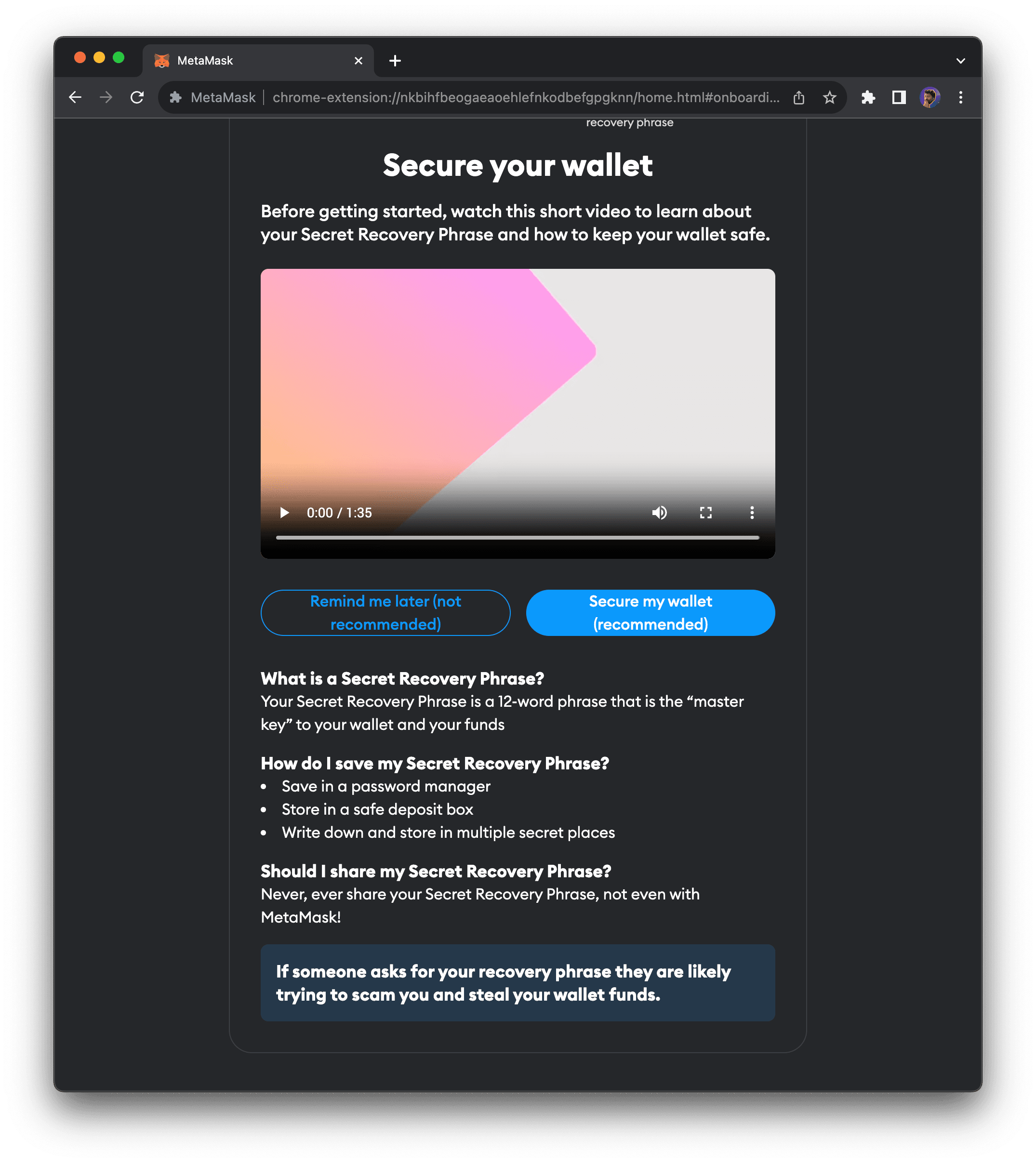
Click `Create a new wallet`. Set a password, then follow the steps to back up your recovery phrase. The phrase proves you own the wallet—store it safely.
## Add Berachain Network Manually
If you prefer not to use the one-click buttons above, add the network in MetaMask manually:
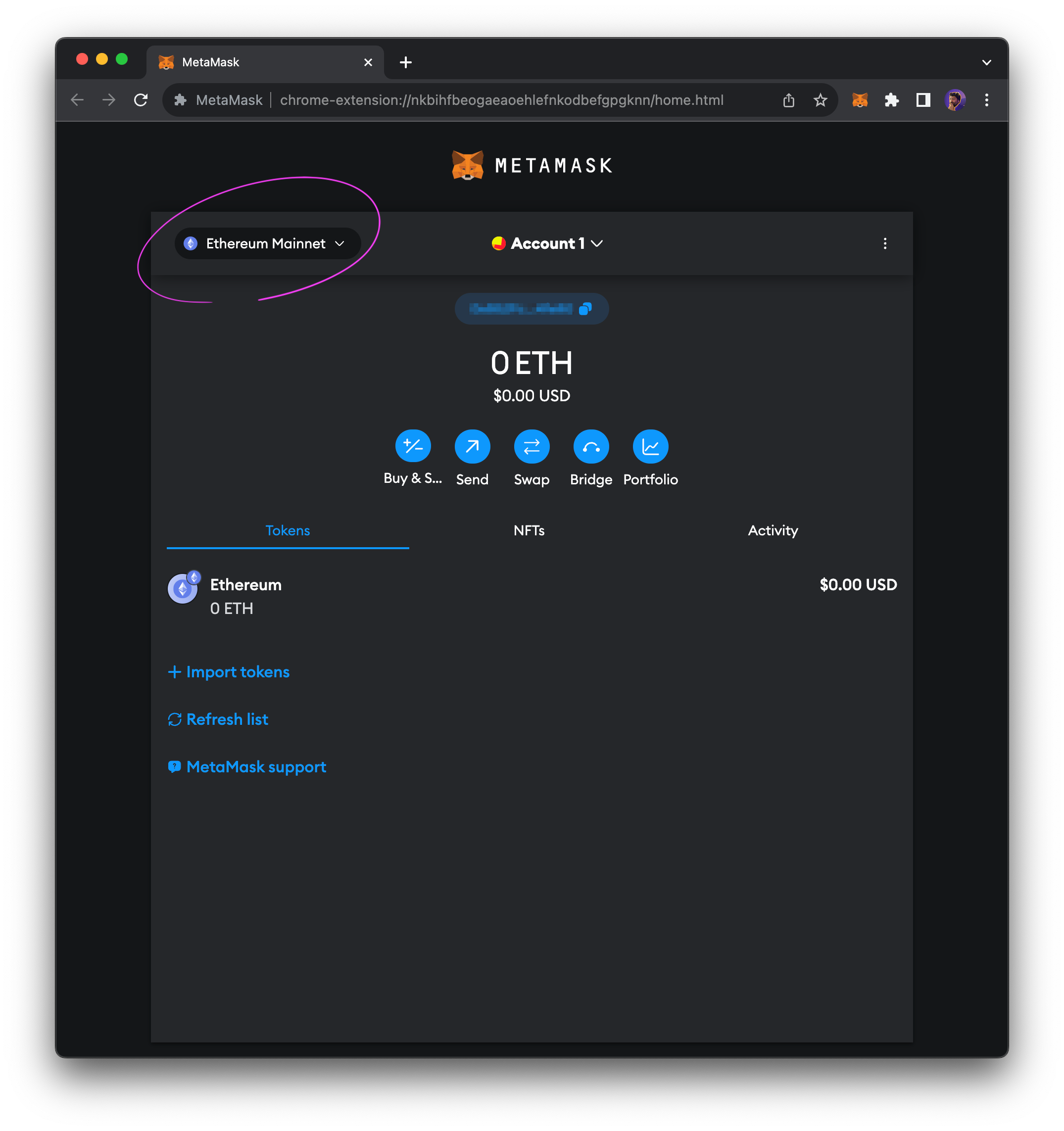
1. **Open the network list** — Click the drop-down in the top-left of MetaMask.
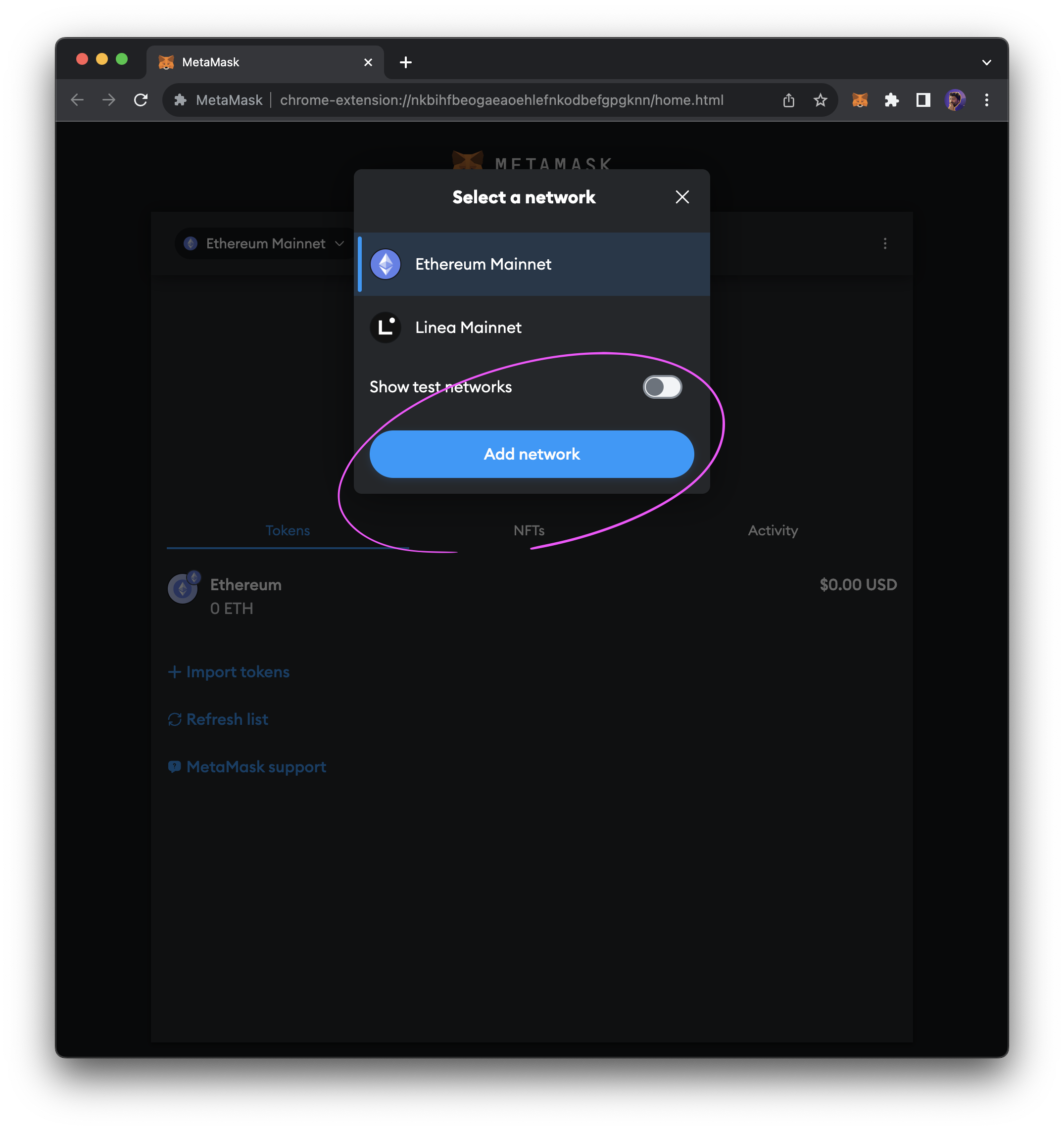
2. **Add network** — Click `Add network` in the modal.
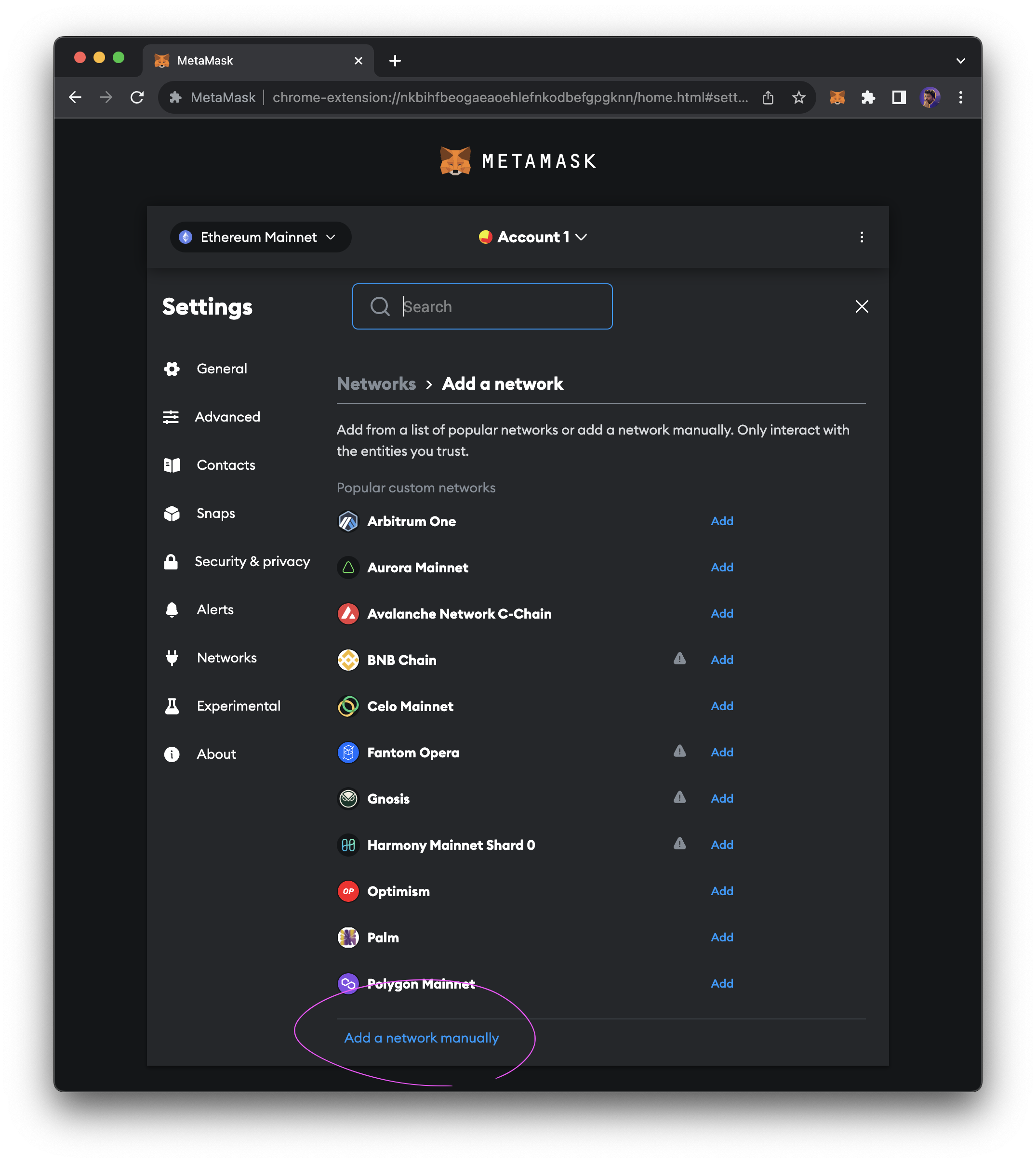
3. **Add network manually** — At the bottom of the list, click `Add network manually`.
4. **Enter details** — Use the values from the [Mainnet](#berachain-mainnet-rpc) or [Bepolia Testnet](#berachain-bepolia-testnet-rpc) RPC tables above.
5. **Save** — Click `Save`.
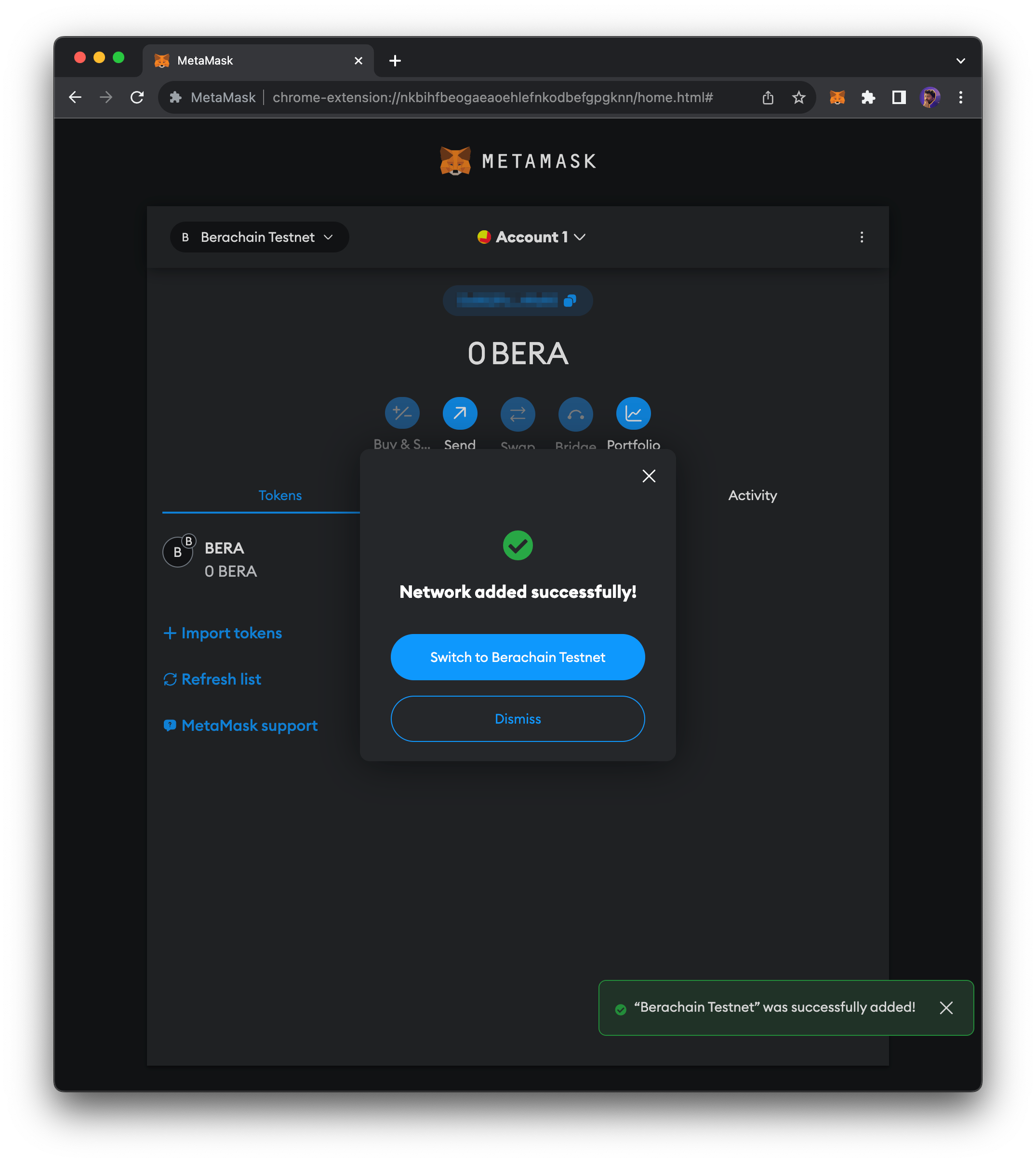
You should now be connected to Berachain or Berachain Bepolia.
 2. **Add network** — Click `Add network` in the modal.
 3. **Add network manually** — At the bottom of the list, click `Add network manually`.
 4. **Enter details** — Use the values from the [Mainnet](#berachain-mainnet-rpc) or [Bepolia Testnet](#berachain-bepolia-testnet-rpc) RPC tables above.
5. **Save** — Click `Save`.
4. **Enter details** — Use the values from the [Mainnet](#berachain-mainnet-rpc) or [Bepolia Testnet](#berachain-bepolia-testnet-rpc) RPC tables above.
5. **Save** — Click `Save`.
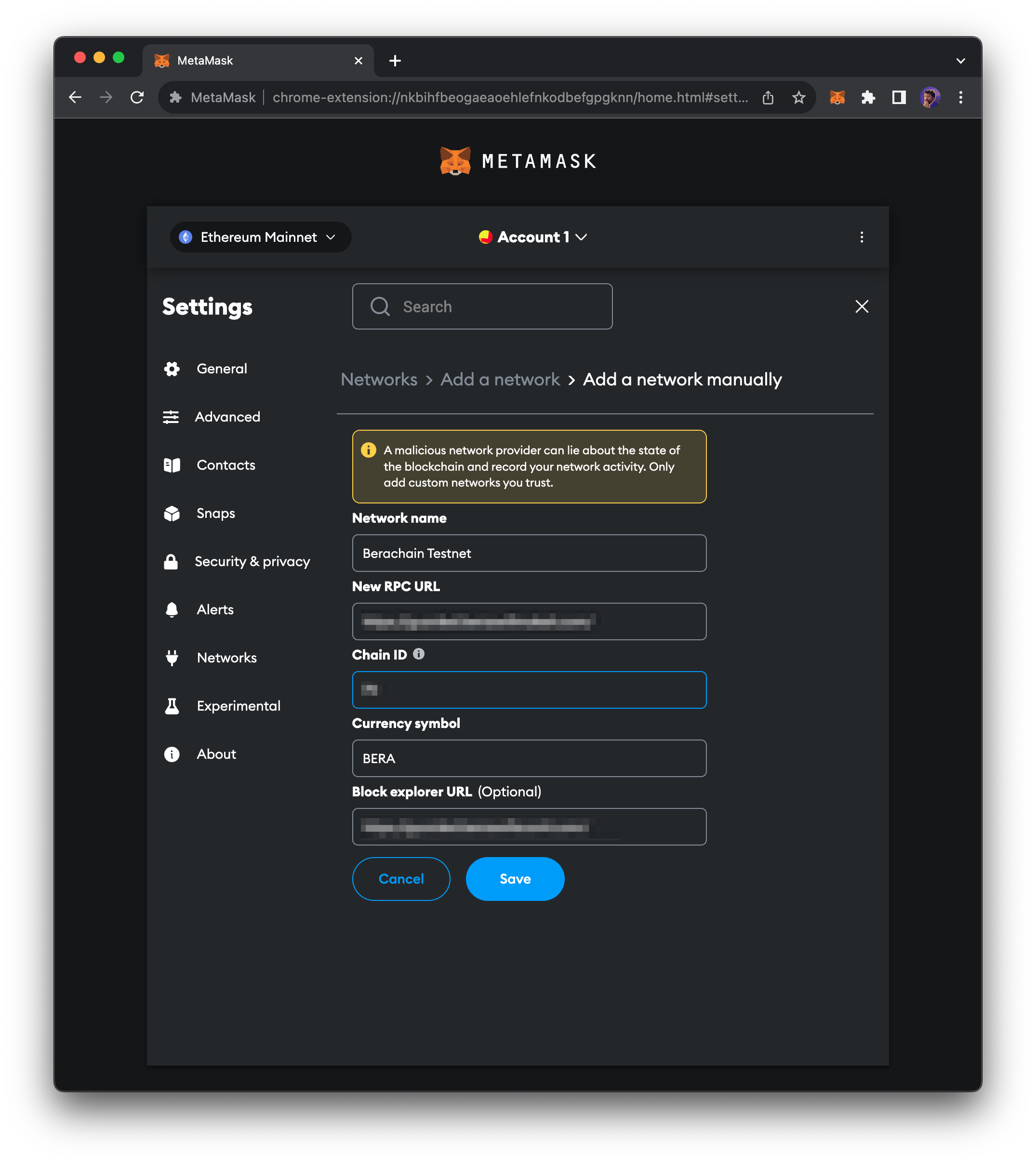 You should now be connected to Berachain or Berachain Bepolia.