> ## Documentation Index
> Fetch the complete documentation index at: https://docs.berachain.com/llms.txt
> Use this file to discover all available pages before exploring further.
# Liquidity Provision
> Deposit tokens, mint LP positions, and manage or withdraw liquidity.
You can provide liquidity to BEX by committing tokens to a specific pool. *Liquidity providers* (LPs) earn a yield on their capital generated by the swap fees paid into the pool. In return for these fees and other potential benefits, LPs must deal with the fact that the collateral they deposit is not fixed. LP positions continuously rebalance between the two tokens in the pair as swaps occur in the pool.
This rebalancing can impose a cost on LPs in the form of *impermanent loss* (IL), which is the difference between the value of the rebalanced position and an equivalent static portfolio of the two assets. The larger the price ratio of the assets in the pool moves from when you first deposited, the larger the IL cost you experience.
LPs on BEX provide full-range liquidity, meaning that your liquidity is always active at every possible price point in the pool.
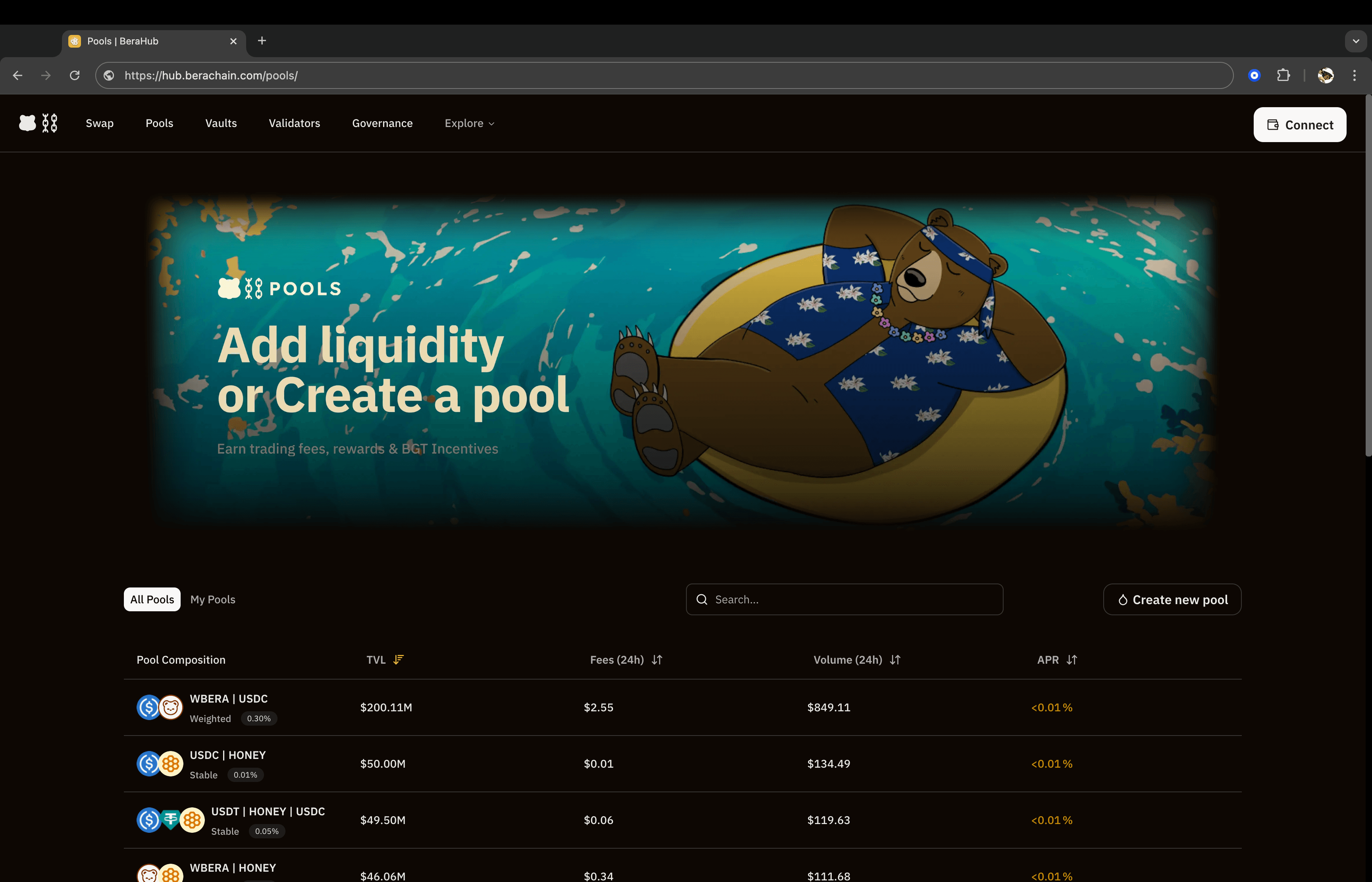 ## Adding liquidity
*Adding Liquidity* is the process of providing the two constituent tokens of a liquidity pool to either 1) create a new LP position, or 2) commit additional capital to a pre-existing LP position.
## Adding liquidity
*Adding Liquidity* is the process of providing the two constituent tokens of a liquidity pool to either 1) create a new LP position, or 2) commit additional capital to a pre-existing LP position.
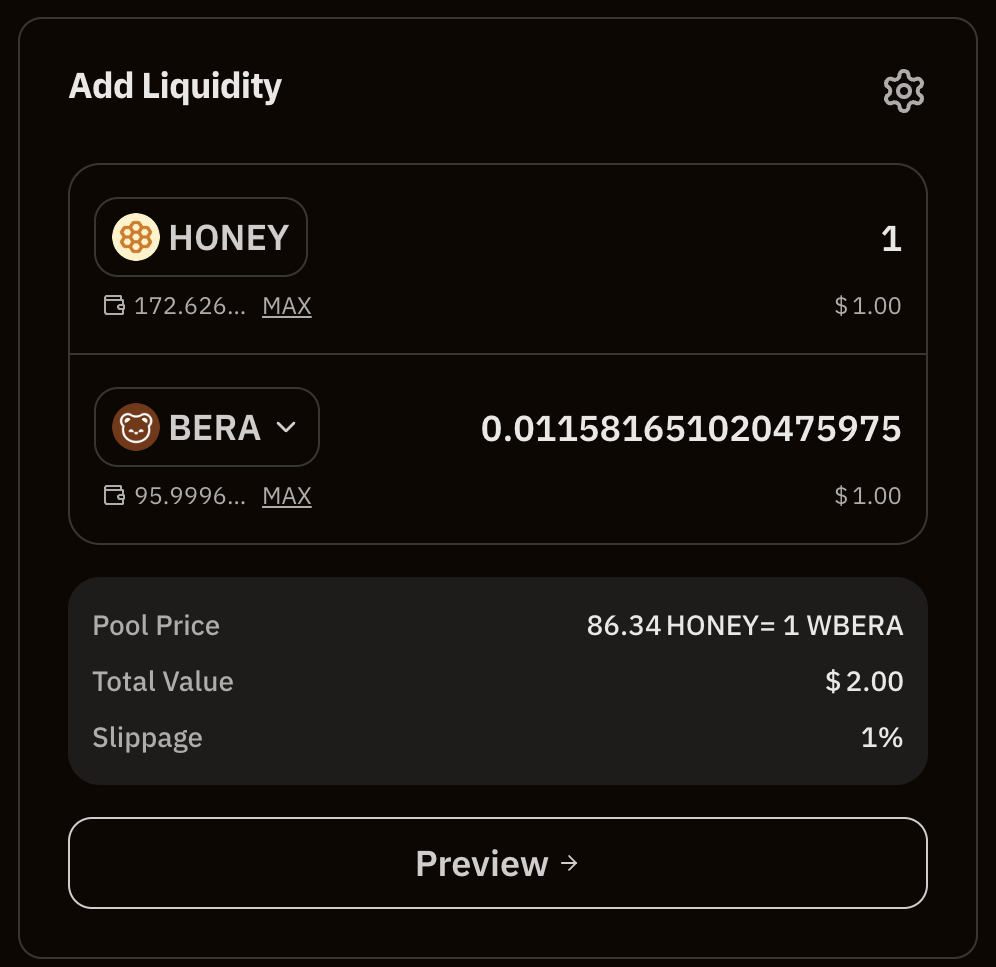 When adding liquidity to an LP position, you have the following parameters to choose from:
* The token pair to provide liquidity for
* Deposit quantity, which can be fixed in terms of either side of the pair
* Maximum slippage (only applies when providing unbalanced amounts that require rebalancing) and transaction deadline
## Managing LP positions
View your existing LP positions on **Bera Hub**.
When adding liquidity to an LP position, you have the following parameters to choose from:
* The token pair to provide liquidity for
* Deposit quantity, which can be fixed in terms of either side of the pair
* Maximum slippage (only applies when providing unbalanced amounts that require rebalancing) and transaction deadline
## Managing LP positions
View your existing LP positions on **Bera Hub**.
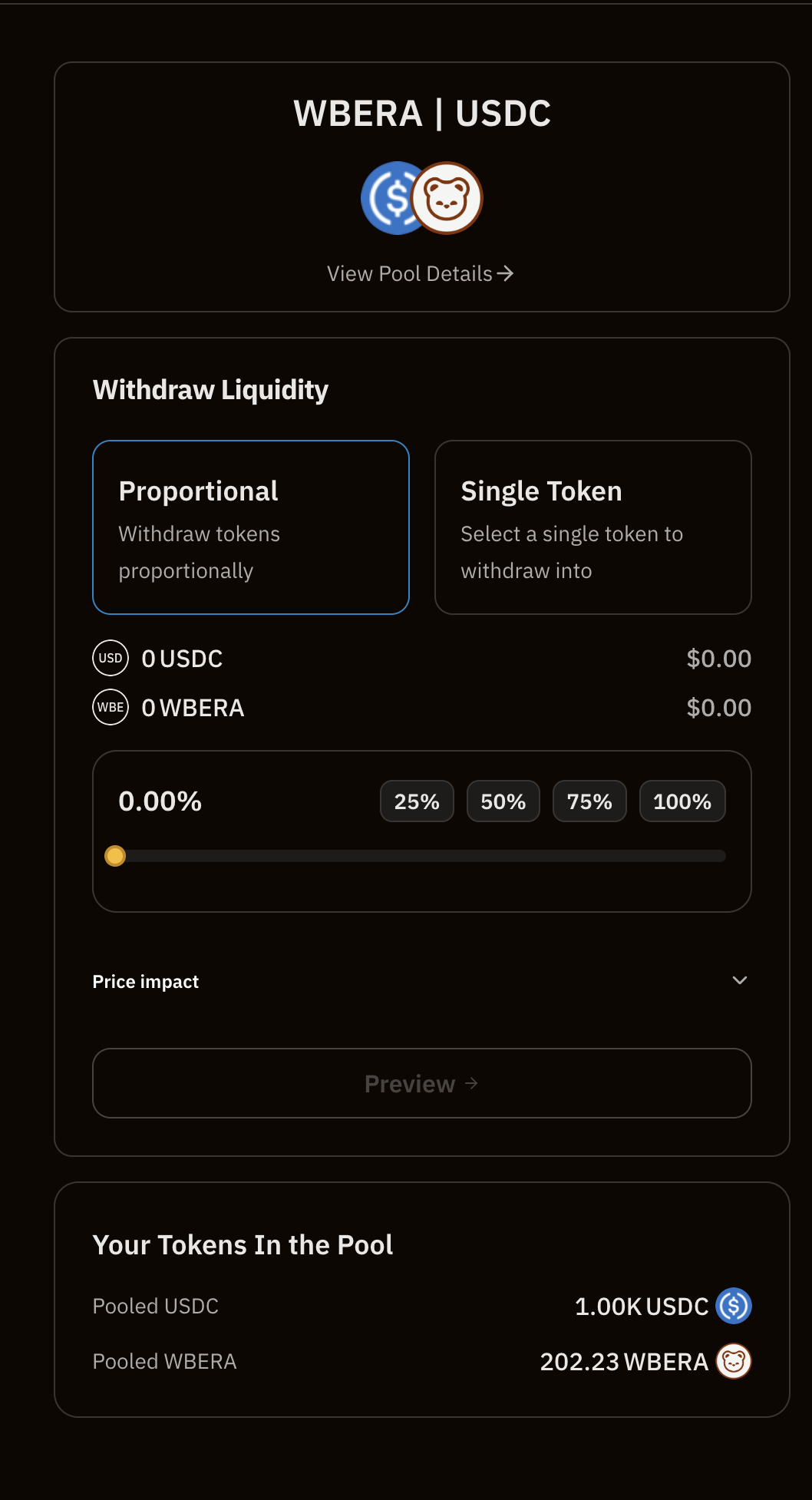
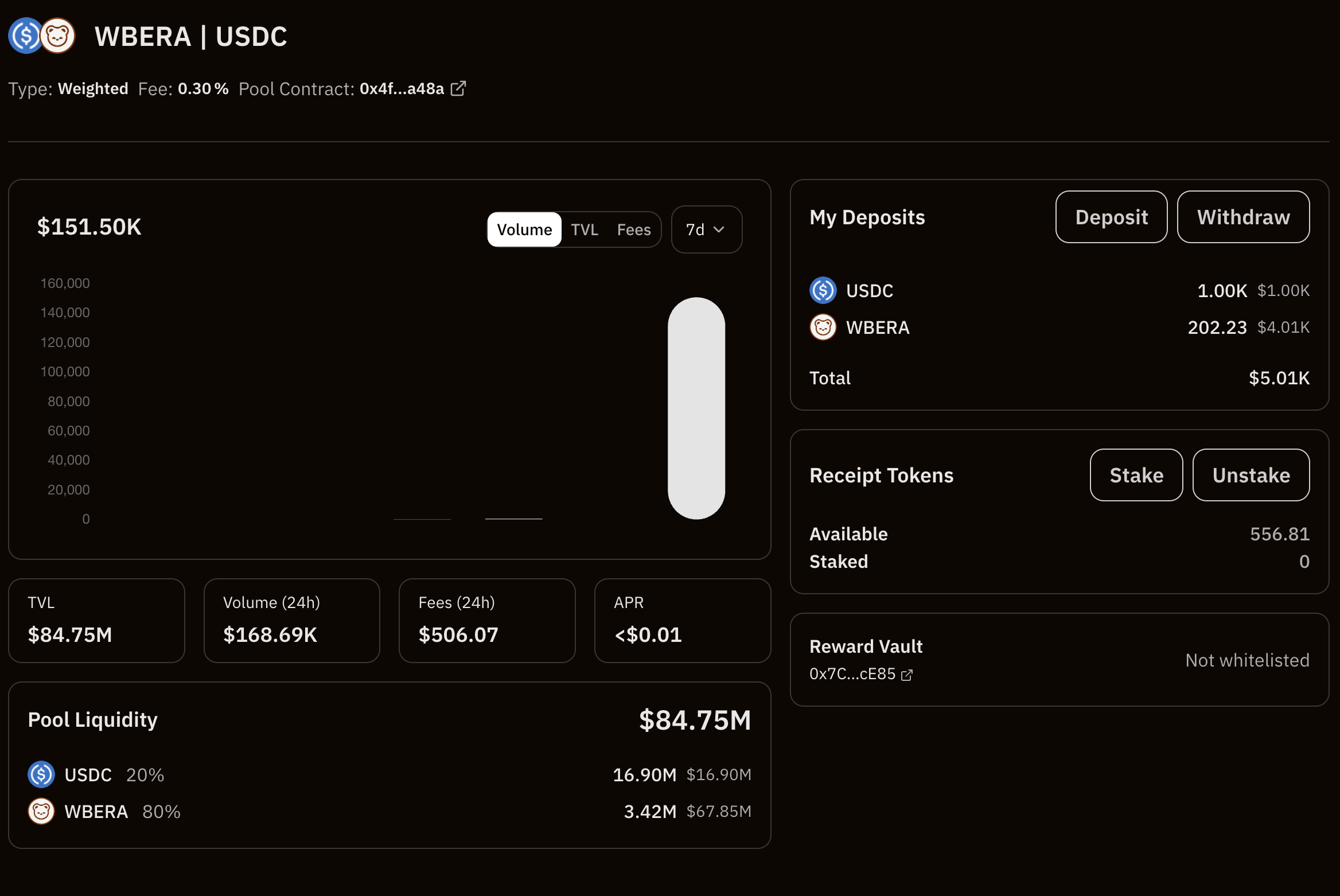 To remove liquidity from a specific position, you can withdraw your LP tokens. This removes the liquidity from the pool and returns the underlying collateral (based on the current token prices) to you.